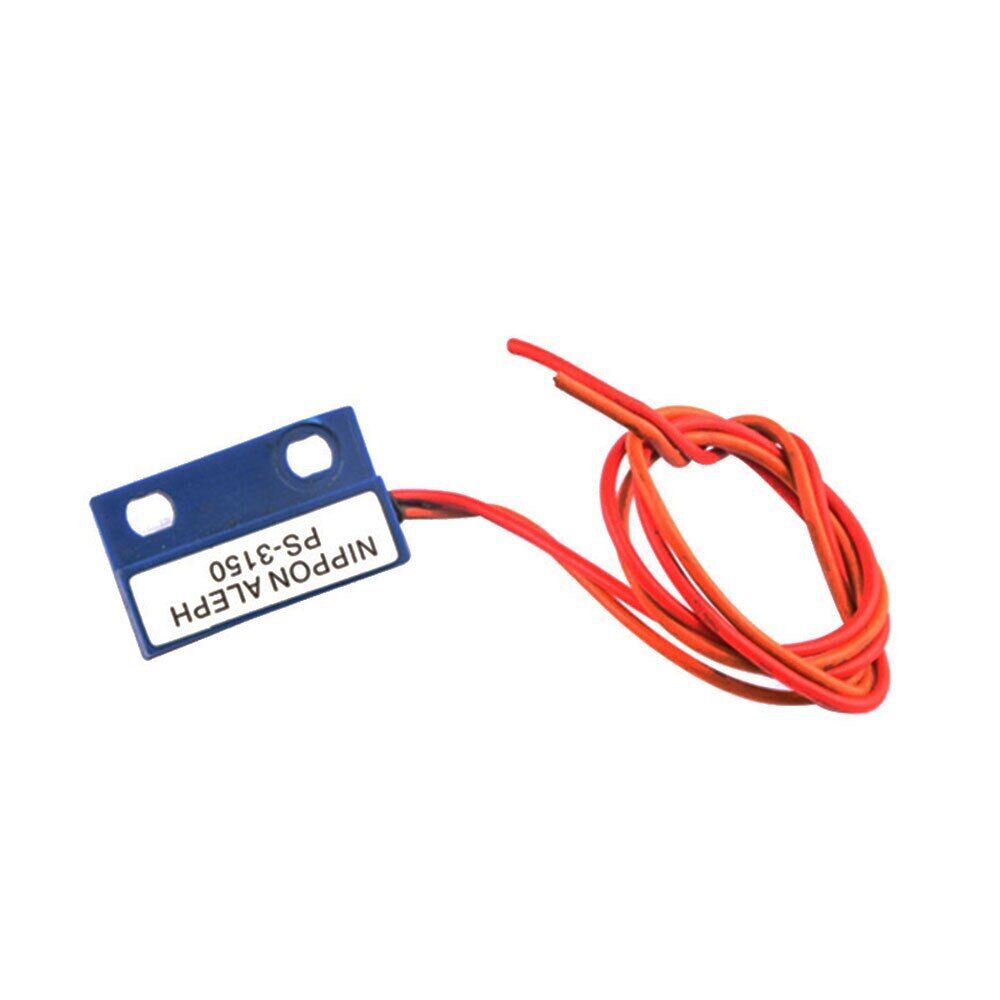
Description
The Normally Open Proximity Magnetic Sensor Reed Switch is proximity magnet sensor which is suitable for high operating frequency products.It can be used in liquid level sensors, security alarm systems, proximity sensor, instrumentation, automotive electronics, magnetic switches, treadmills, odometer, and other control circuits.
Features:
- Movement speed quickly
- The contact resistance with a high anti-corrosion and wear resistance
long life - Stable switching operation can be obtained the control portion of the seal in the housing, is not affected by the external environment
Specifications:
- Switching power (maximum) :10W
- DC switching voltage (maximum) : 220V
- AC switching voltage, RMS (maximum) : 220 V
- DC switching current (maximum) : 500mA
- AC switching current, RMS (maximum) : A500mA
- Breakdown Voltage (Minimum) : 250V
Reed Switch With Arduino
This project demonstrates how to interface a reed switch with an Arduino board to detect the presence of a magnetic field. The system uses an LED to provide visual feedback of the switch state.
Hardware Requirements
- Arduino board (Any Arduino board will work)
- Reed switch
- LED (optional, as we’re using the built-in LED)
- 10kΩ pull-up resistor (optional, not needed if using internal pull-up)
- Jumper wires
- Magnet for testing
Pin Configuration
- Reed Switch: Connected to Digital Pin 2
- LED: Built-in LED on Pin 13
Circuit Description
The project uses a reed switch with Arduino’s internal pull-up resistor. If you prefer using an external pull-up resistor:
- Disable the internal pull-up by removing
INPUT_PULLUPand using justINPUT - Connect a 10kΩ resistor between the reed switch pin and 5V
- Connect the reed switch between the digital pin and GND
Circuit Options:
-
Using internal pull-up (current setup):
- Reed switch between PIN 2 and GND
- No external resistor needed
-
Using external pull-up:
- 10kΩ resistor between PIN 2 and 5V
- Reed switch between PIN 2 and GND
Project Codes
How It Works
-
When no magnet is present:
- Reed switch remains open
- Digital pin reads HIGH
- LED remains OFF
- Serial monitor shows “Switch opened”
-
When magnet is nearby:
- Reed switch closes
- Digital pin reads LOW
- LED turns ON
- Serial monitor shows “Switch closed”
Installation
- Connect the reed switch between digital pin 2 and GND


- Upload the provided Arduino sketch to your board
- Open serial monitor at 9600 baud to see the switch state