Description
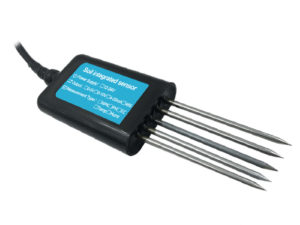
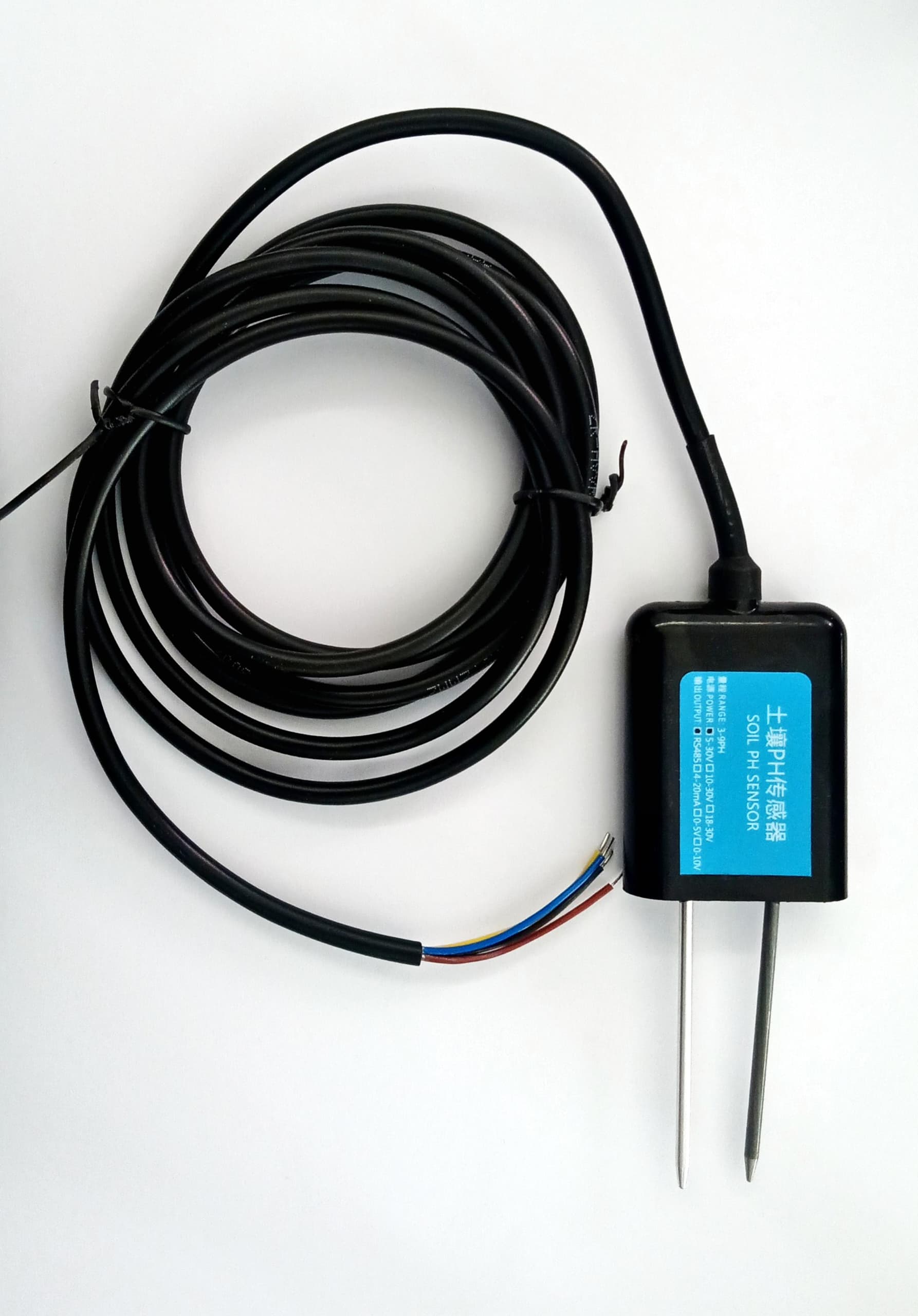
An RS485 Soil Analogy pH Sensor is a robust and versatile sensor designed for measuring the pH levels of soil. It typically uses the RS485 communication protocol, which supports long-distance and reliable data transmission.
Key Features
- RS485 Communication Protocol:
- Enables long-distance data transmission.
- Supports multiple sensors on a single bus.
- Durable Design:
- Designed for harsh environmental conditions.
- Corrosion-resistant materials.
- High Accuracy:
- Provides accurate pH readings, typically in the range of 0-14 pH.
- Low Power Consumption:
- Suitable for IoT and remote monitoring applications.
- Wide Applications:
- Agricultural soil monitoring.
- Smart irrigation systems.
- Environmental studies.
Interfacing the Sensor with Arduino
To interface an RS485 Soil pH Sensor with an Arduino:
Components Needed:
- RS485 Soil pH Sensor.
- RS485 to TTL Module (for Arduino compatibility).
- Arduino Board (e.g., UNO, Mega, or Nano).
- Power source.
Wiring:
- RS485 Sensor:
- Connect the A and B terminals to the A and B pins on the RS485 to TTL module.
- Provide appropriate power to the sensor (typically 12V DC).
- RS485 to TTL Module:
- Connect DI and RO pins to Arduino’s RX and TX.
- Connect VCC and GND to the Arduino’s 5V/3.3V and GND.
Code:
#include <SoftwareSerial.h>

#define RX_PIN 10 // Arduino RX
#define TX_PIN 11 // Arduino TX

SoftwareSerial rs485Serial(RX_PIN, TX_PIN);

void setup() {

Serial.begin(9600); // For monitoring

rs485Serial.begin(9600); // Communication with RS485 sensor

Serial.println("RS485 Soil pH Sensor Test");

}

void loop() {

// Send a request to the sensor (MODBUS or custom protocol)

byte request[] = {0x01, 0x03, 0x00, 0x00, 0x00, 0x01, 0x85, 0xDB}; // Example MODBUS frame

rs485Serial.write(request, sizeof(request));

delay(1000); // Wait for sensor response

// Read and display response

while (rs485Serial.available()) {

byte response = rs485Serial.read();

Serial.print(response, HEX);

Serial.print(" ");

}

Serial.println();

delay(2000); // Wait before next read

}