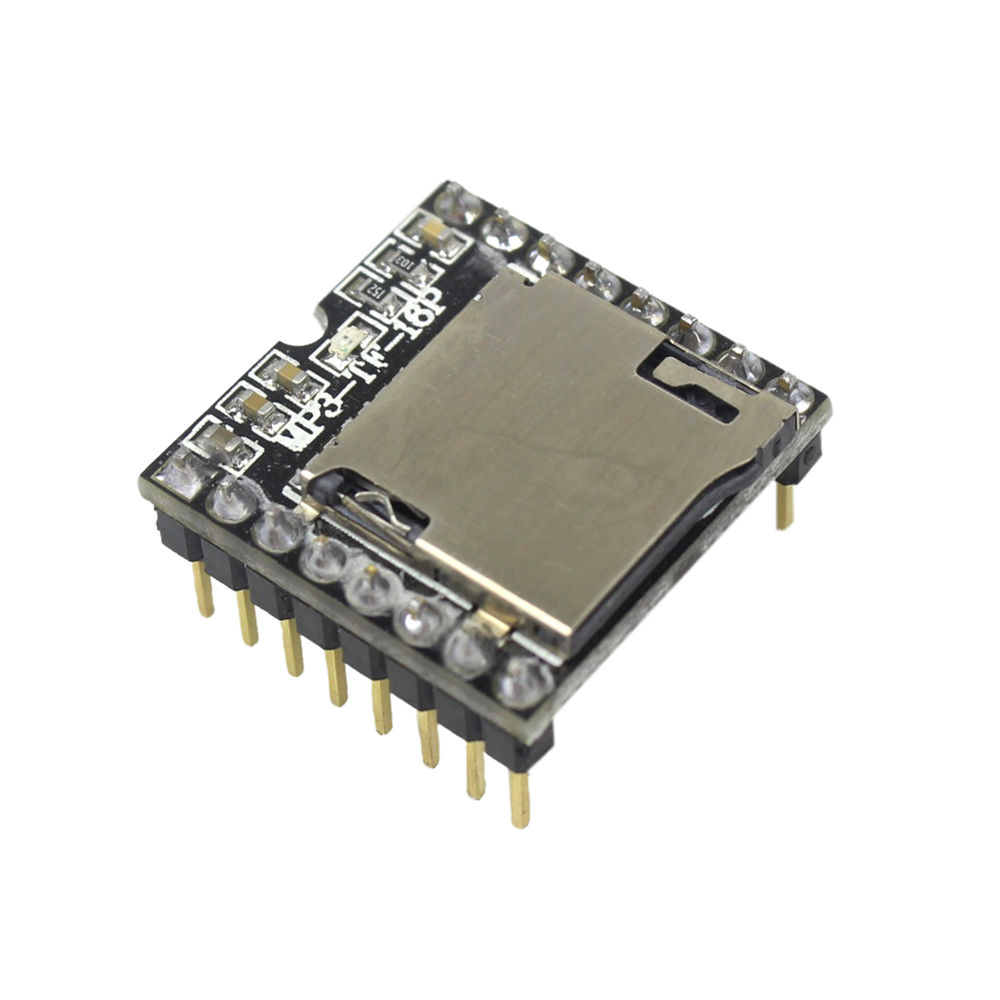
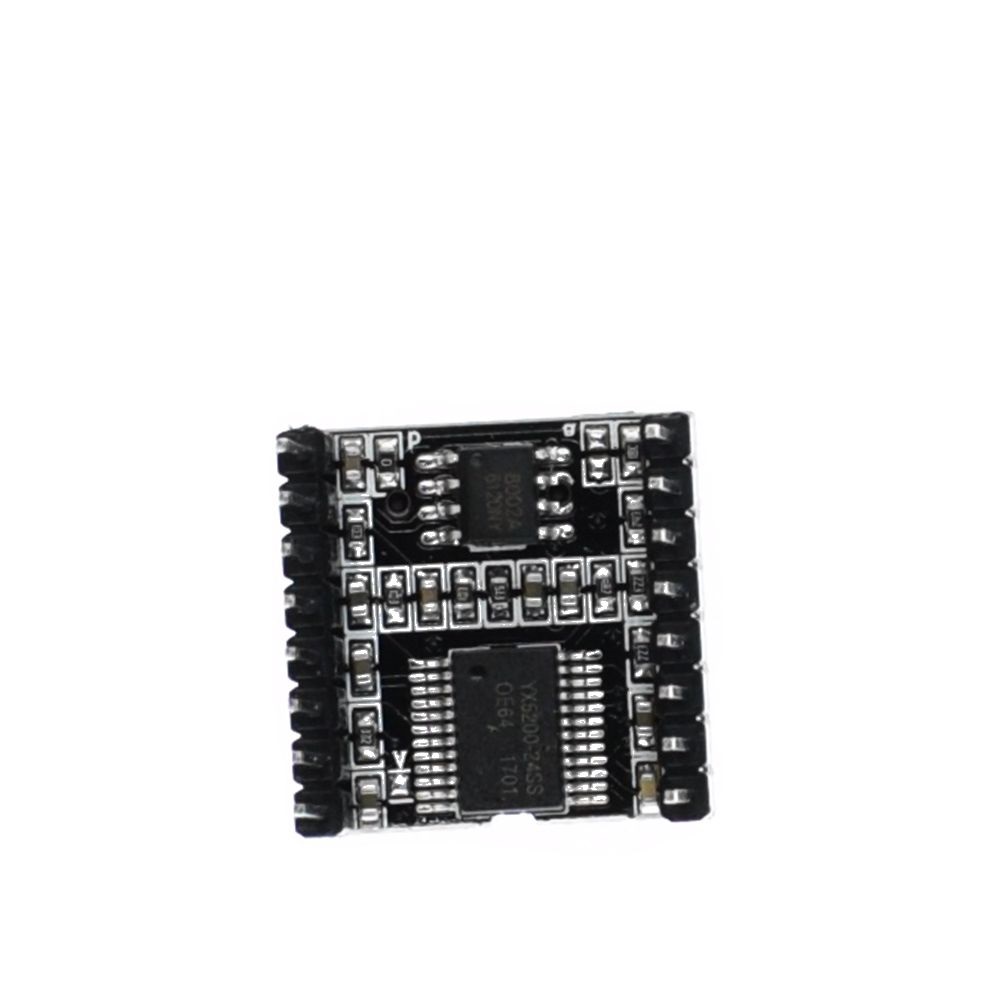
Description
The DFPlayer Mini MP3-TF-16P is a powerful, low-cost audio module designed for easy MP3/WAV playback in DIY electronics and embedded systems. Whether you’re building a voice-prompt device, interactive system, robot, or custom MP3 player, this module offers reliable microSD playback, clean audio quality, and multiple control modes..
You can use the module standalone with simple push-buttons, or integrate it with any microcontroller through UART serial commands. With built-in folder support, adjustable volume levels, and a 3W power amplifier, the DFPlayer Mini makes it extremely easy to add audio to your project.
Key Features
- Supports MP3, WAV and WMA formats
- Plays audio from TF/microSD cards up to 32GB (FAT16 or FAT32)
- Built-in 3W amplifier for direct speaker connection
- UART serial control (Arduino, ESP32, ESP8266, etc.)
- GPIO button control for standalone playback
- Good audio quality with 24-bit DAC output
- Supports 8–48 kHz sampling rates
- 30-level volume control + equalizer settings
- Organize audio using folders and numeric filenames
- Low cost, small size, easy to integrate
Technical Specifications
- Input voltage: 3.2V–5V
- Speaker output: up to 3W
- Audio formats: MP3 / WAV / WMA
- DAC: 24-bit
- Supported card types: microSD/TF (FAT16/FAT32)
- Communication: UART (9600 baud default)
- Operating modes: Serial, Key mode (buttons), AD-key mode
- Operating temperature: −40°C to +85°C
Why Choose the DFPlayer Mini MP3-TF-16P?
This module dramatically simplifies audio playback in electronics projects. Whether you need background music, sound effects, voice prompts, or a full MP3 player, the DFPlayer Mini provides reliable standalone or microcontroller-controlled audio without requiring extra hardware.
It’s widely used in:
- Robotics
- Interactive museum exhibits
- Talking toys
- IoT prototypes
- Alarm/notification systems
- DIY MP3 players
- Educational projects
DFPlayer Mini MP3-TF-16P Library Support
This module comes in two version. So, choose one from the libraries below based on the board you are having:
- Official DFRobot DFPlayer Library
- Makuna DFMiniMp3 Library (supports MH2024K16SS chip)
These libraries make it easy to play tracks, control volume, monitor busy states, and manage playlists.
Getting started with the DFPlayer Mini MP3-TF-16P
The DFPlayer Mini MP3-TF-16P For Arduino is a small with an simplified output directly to the speaker. The module can be used as a stand alone module with attached battery, speaker and push buttons or used in combination with an Arduino UNO or any other with RX/TX capabilities.
Hardware Requirements
For this tutorial, the items needed to run this project are:
- Arduino Uno
- Mini MP3 Player
- SD Card
- Male to male jumper wires
- Resistor 1k ohm
- Speaker
Wiring Diagram of DFPlayer Mini MP3-TF-16P to Arduino Uno
Both examples use the same pin configuration:
- Arduino pin 10 -> DFPlayer RX
- Arduino pin 11 -> DFPlayer TX
Arduino DFPlayer Mini
  5V        ->   VCC
  D11       ->   RX (1kΩ)
  D10       ->   TX
            ->
            ->
  SPEAKER_R ->   + (Right)
  GND       ->   GND
  SPEAKER_L ->   + (Left)
After complete your circuit, connect your Arduino Uno Board to your computer via USB Cable. You can see the LED on the MP3 will on. Make sure that the SD card had been installed in the mini MP3. The format of the song must be in MP3 file.
Testing Codes for DFPlayer Mini MP3-TF-16P
To help you get started quickly with the DFPlayer Mini MP3-TF-16P, this section provides two fully working testing examples. First, you will find the Official DFRobot Library Example, which is ideal for beginners who want a simple and direct way to control the module. Then, you will see the Makuna Library Example, which is especially useful if your board uses the MH2024K16SS chip revision. Both examples have been verified and can be used immediately for wiring and functional tests.
1. Official DFRobot Library Example
To begin with, you can test the DFPlayer Mini MP3-TF-16P using the official DFRobot library. This example demonstrates basic commands such as initializing the module, playing tracks, adjusting the volume, and communicating over UART. Because it is straightforward and well-documented, it is perfect for first-time users.
Link to example code: Official_DFMiniMp3.ino
2. Makuna Library Example (Supports MH2024K16SS Chip)
Alternatively, if your DFPlayer Mini module uses the MH2024K16SS chip, you may prefer the Makuna DFMiniMp3 library. This library provides smoother serial handling, better error reporting, and improved stability. Moreover, it is more robust in long-running applications, making it a great choice for advanced projects.
Link to example code: MH2024K16SS_DFMiniMp3_By_Makuna_Library.ino
Setup Notes for DFPlayer Mini MP3-TF-16P
- Format microSD as FAT16/FAT32
- Name files using standard numeric format (e.g., 0001.mp3)
- For ESP32/ESP8266 (3.3V logic), use a logic-level converter on RX/TX
- Use a proper 8Ω speaker rated 1–3W
- Avoid using noisy USB 5V power sources
Usage
- Install required libraries through Arduino Library Manager
- Select your board and port in Arduino IDE
- Upload the desired sketch
- Monitor serial output at 115200 baud (Makuna) or 9600 baud (Official)
Troubleshooting
- Ensure correct wiring connections
- Verify SD card is properly formatted (FAT32)
- Check MP3 files are properly named and placed in mp3 folder
- Monitor serial output for error messages
For more information, refer to this github repository.